 Daryl Budiman
50 comparison ads
We analyzed 1,600 comparison ads to see which ones change a buyer's mind. Your competitors are already running ads that tell shoppers why they're better. Are you answering back?
Use Dovey to remix all these ads with your product, in your brand colours and voice.
871
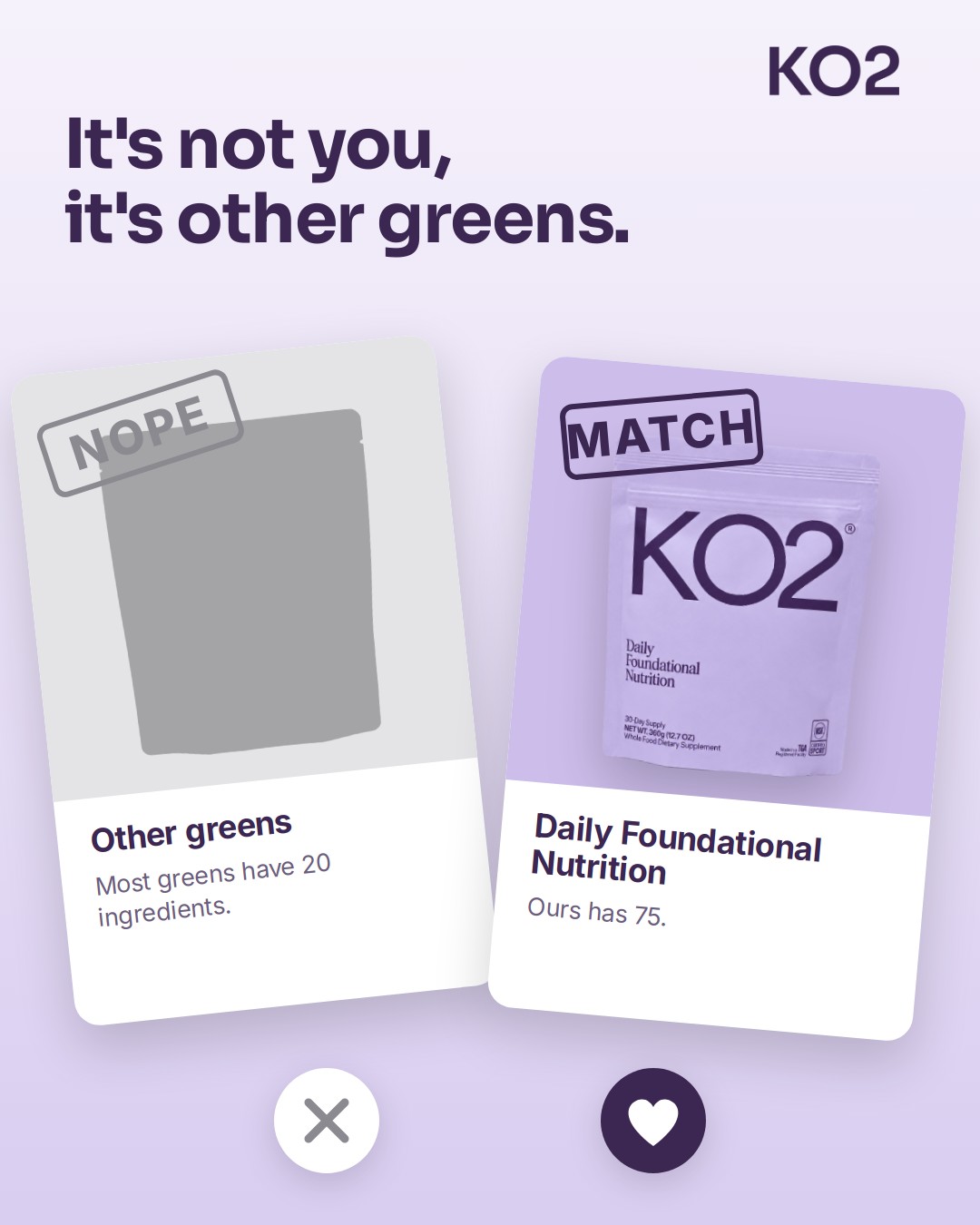
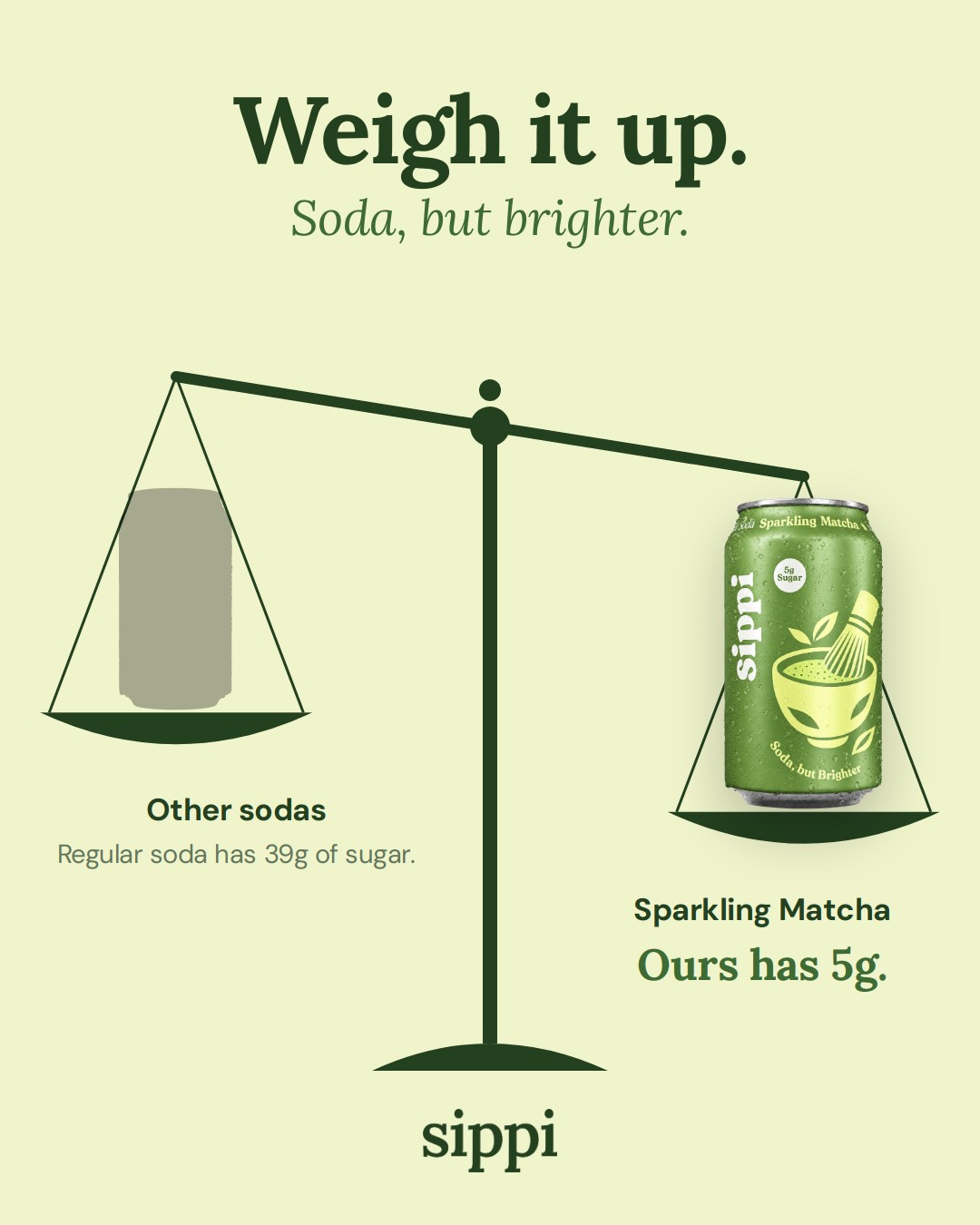
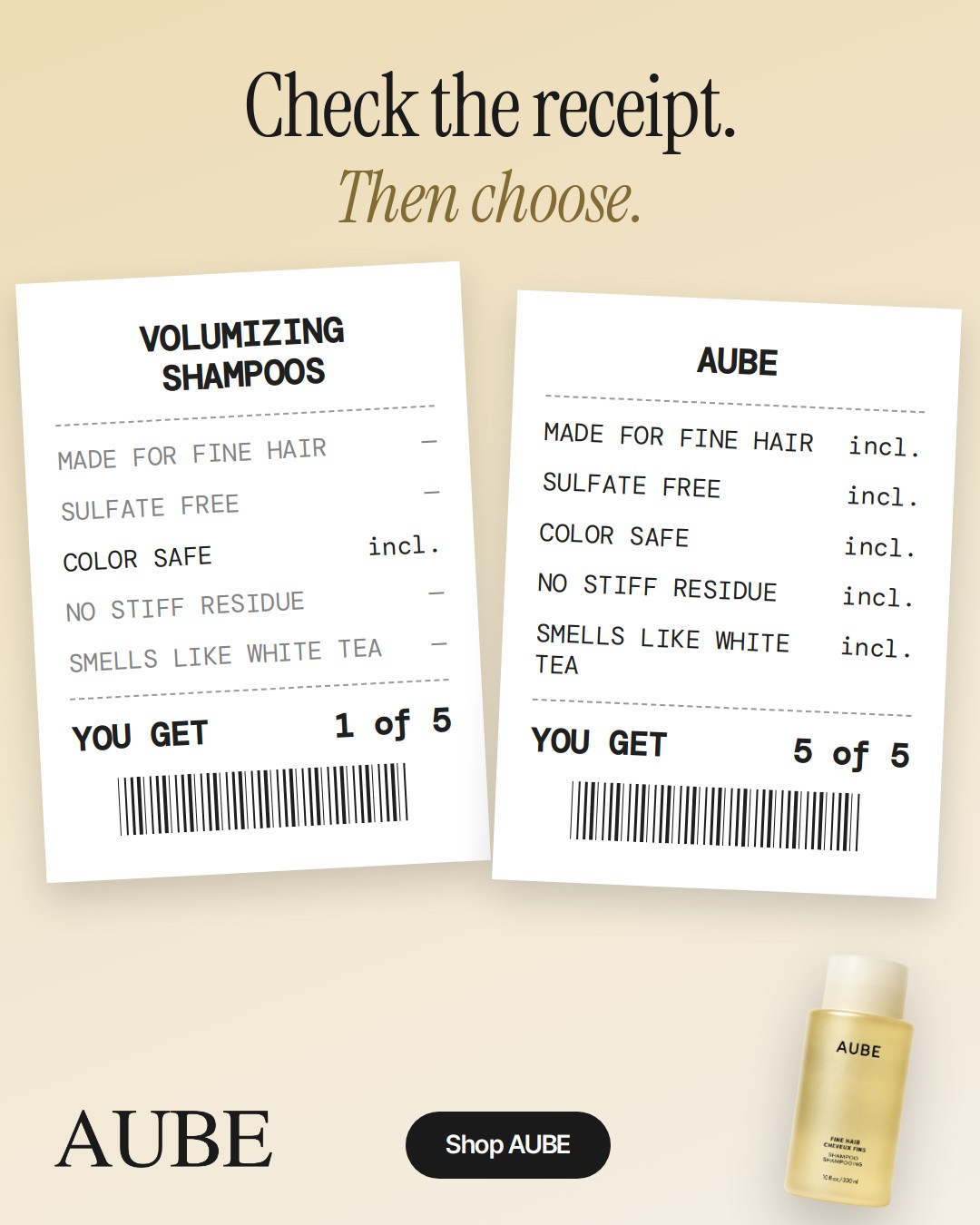
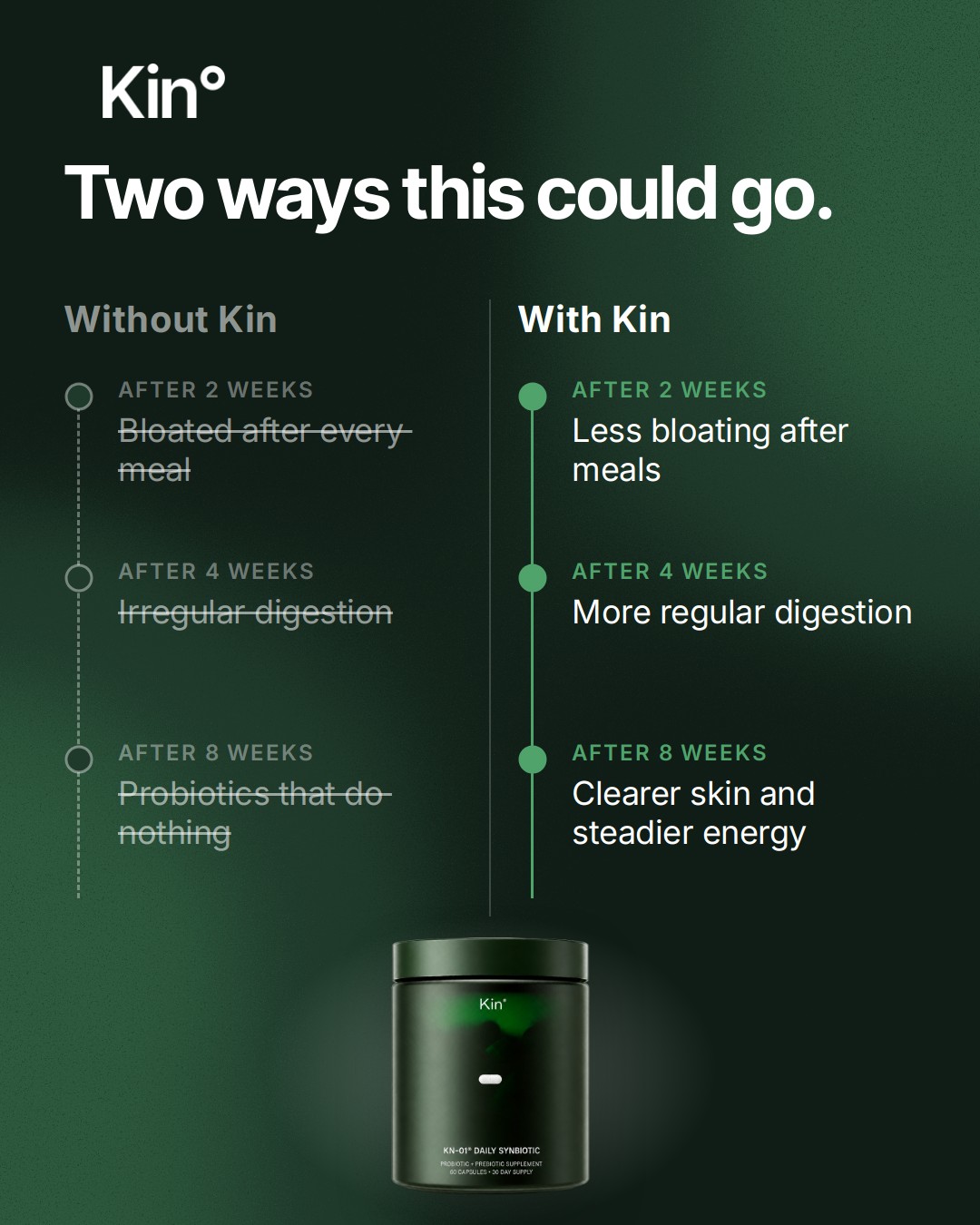
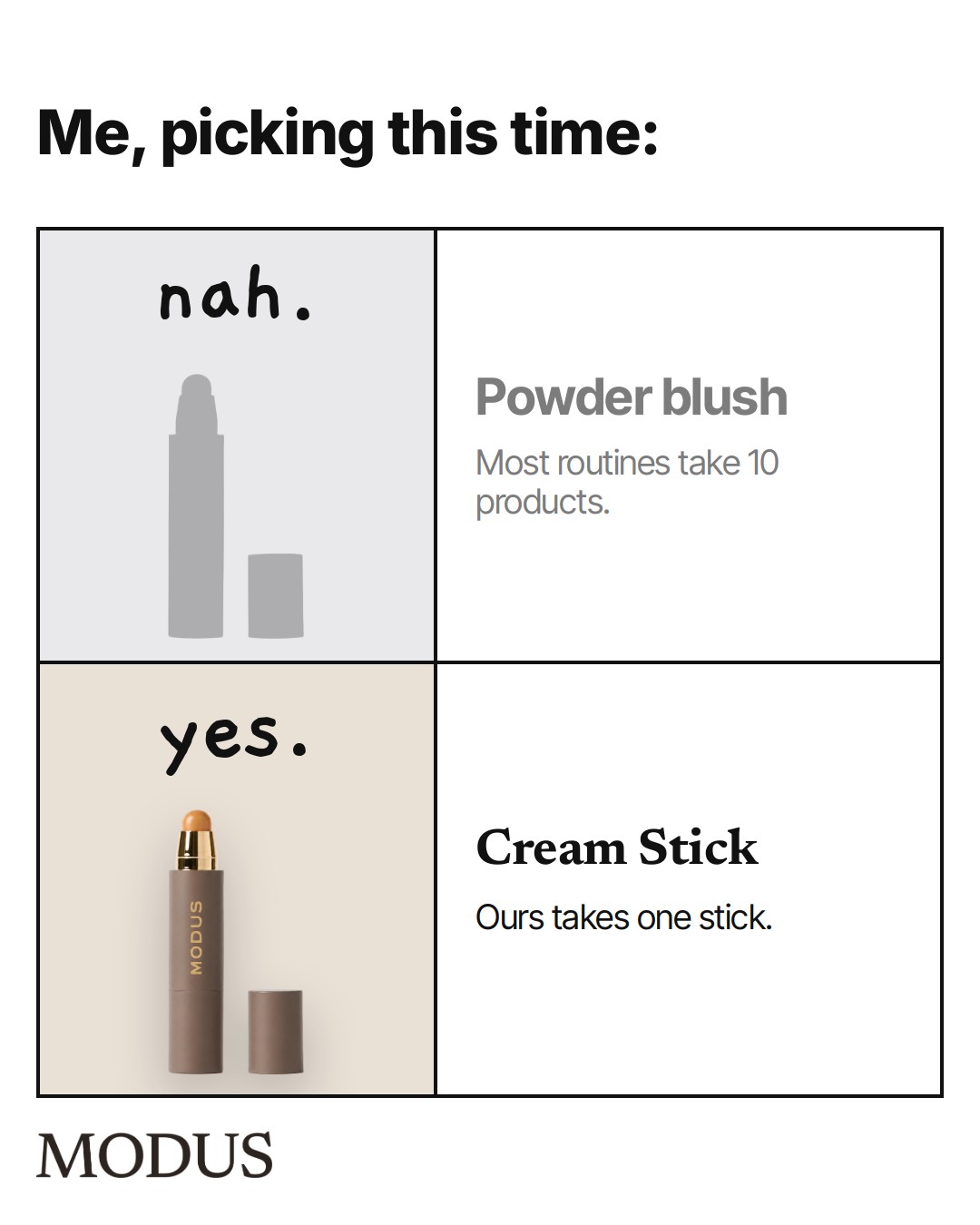
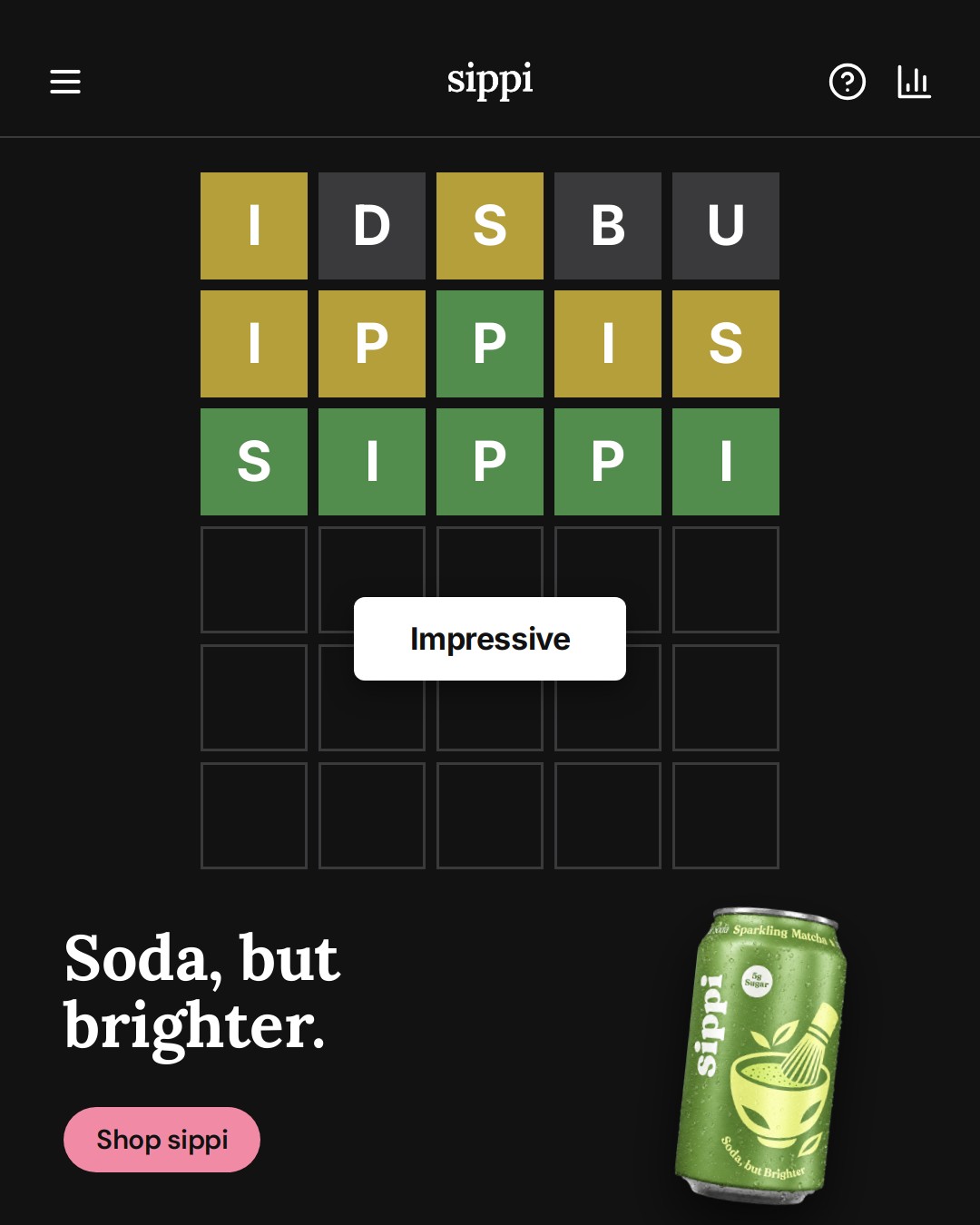
Preview
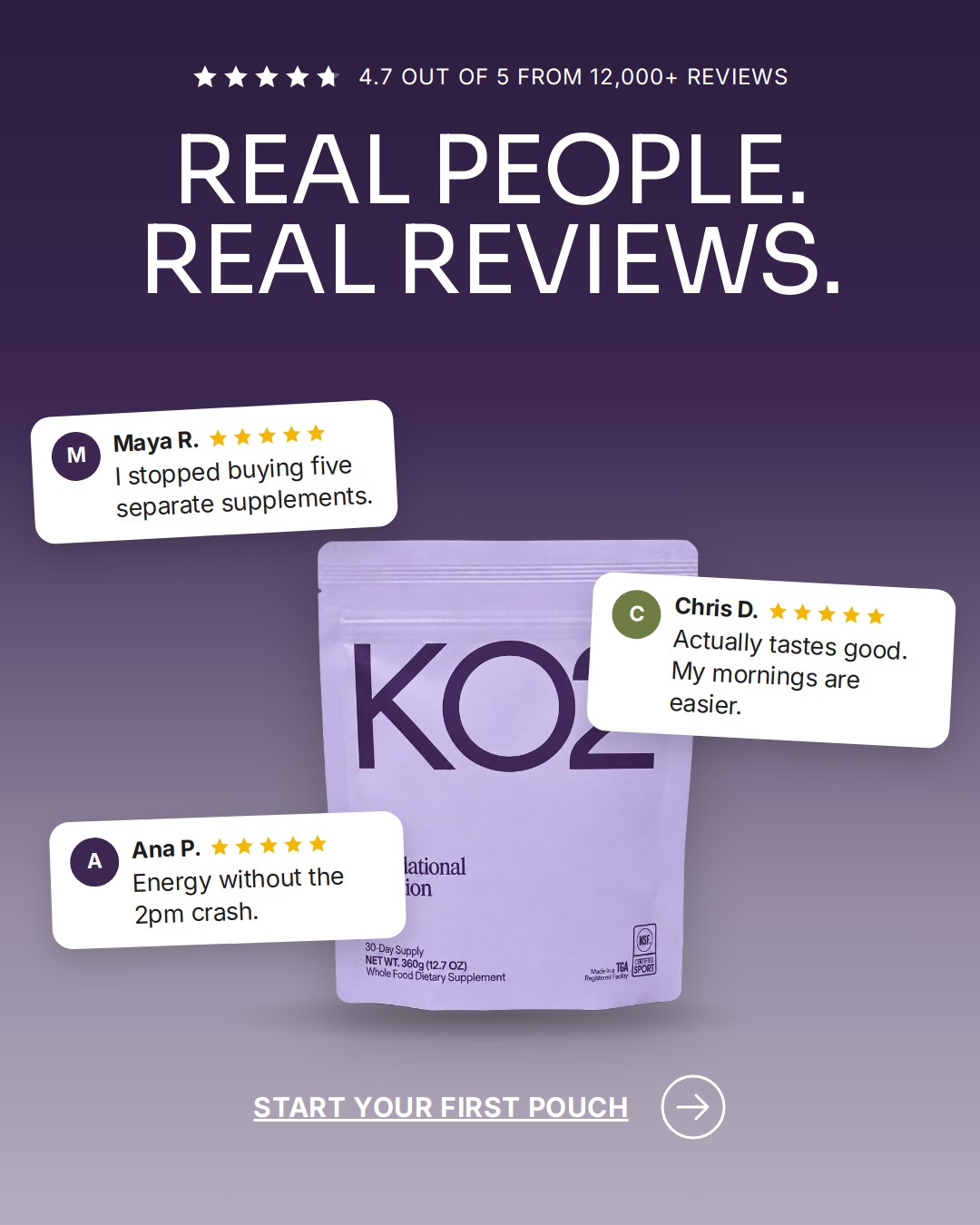
- Notes app: coffee alone vs with KO2
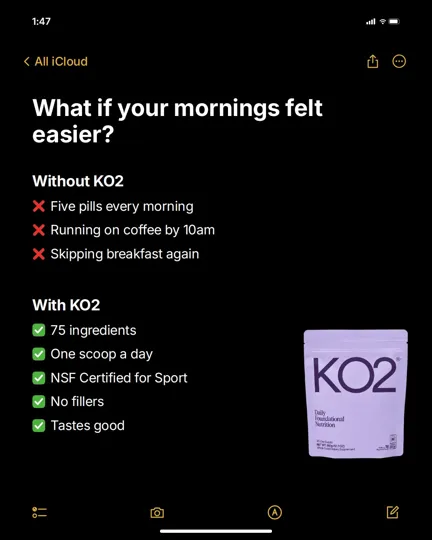
- All these, or just this
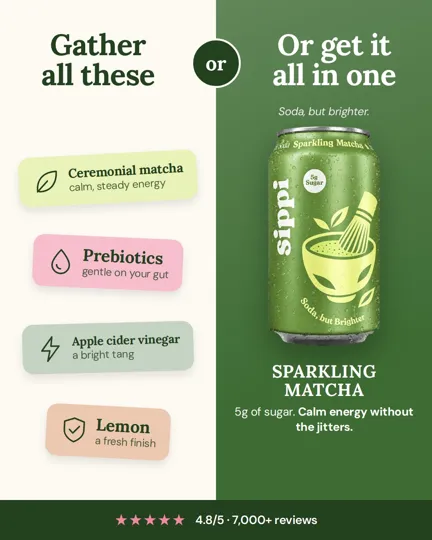
- Two ways to use it
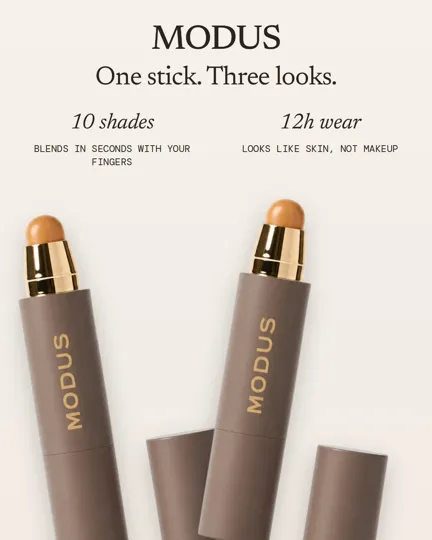
- Theirs vs ours, with prices
- Buy it nice or buy it twice

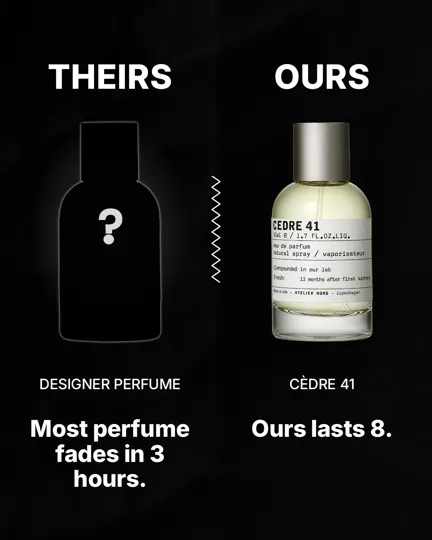
- Theirs is X. Ours is Y.

- Theirs is X. Ours is Y. (duplicate of 50)

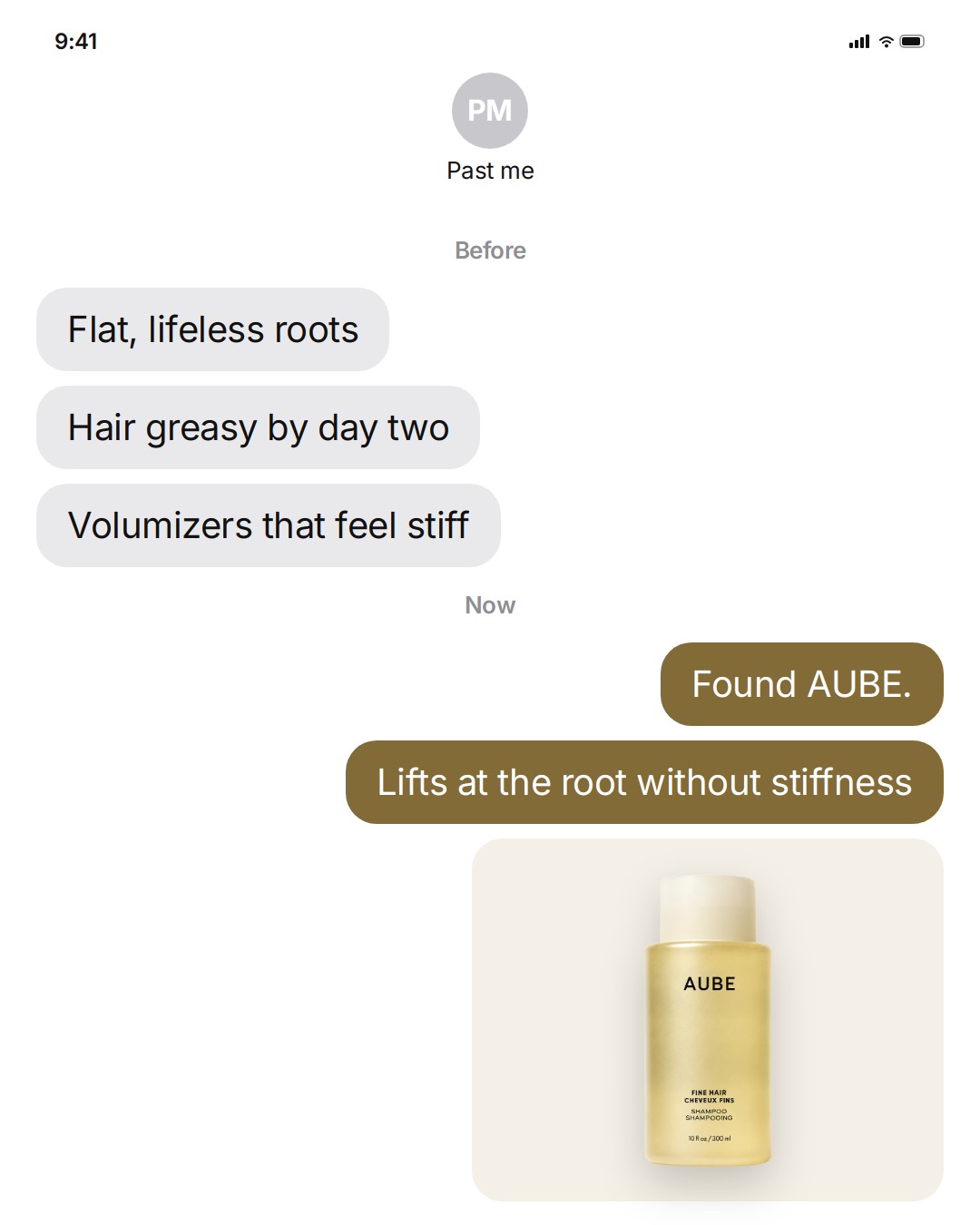
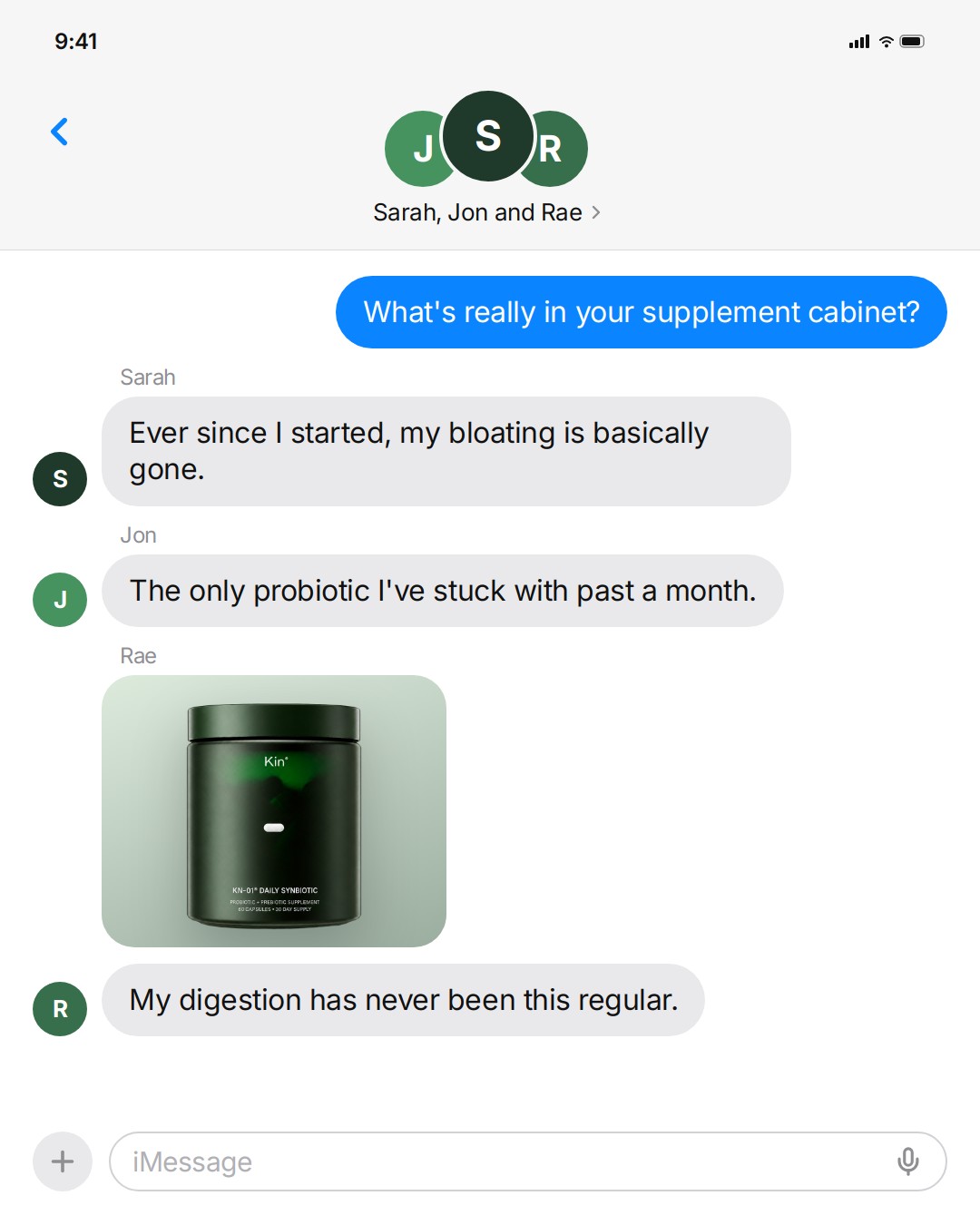
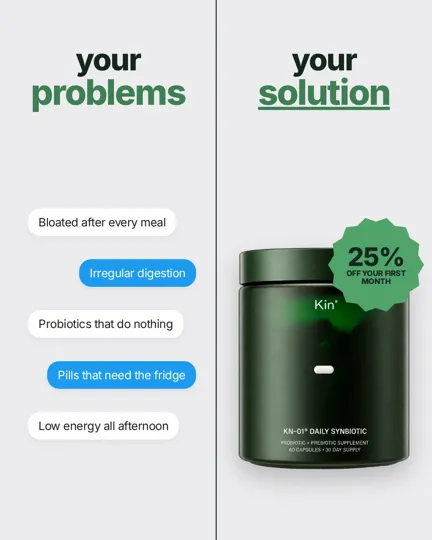
- Your problems, your solution (chat)

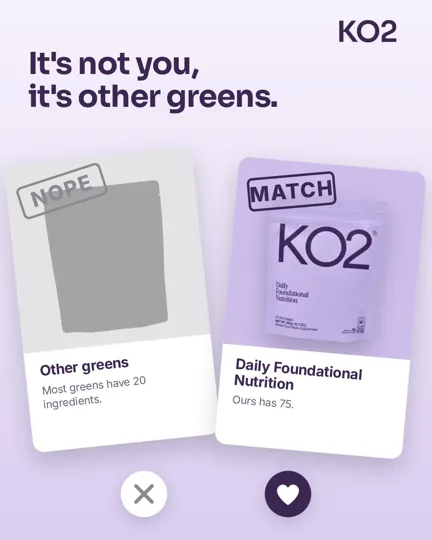
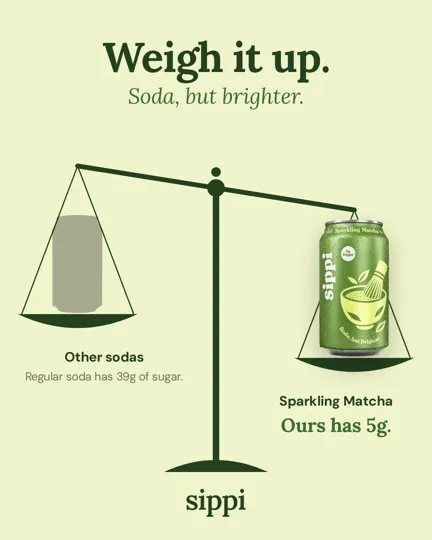
About this template
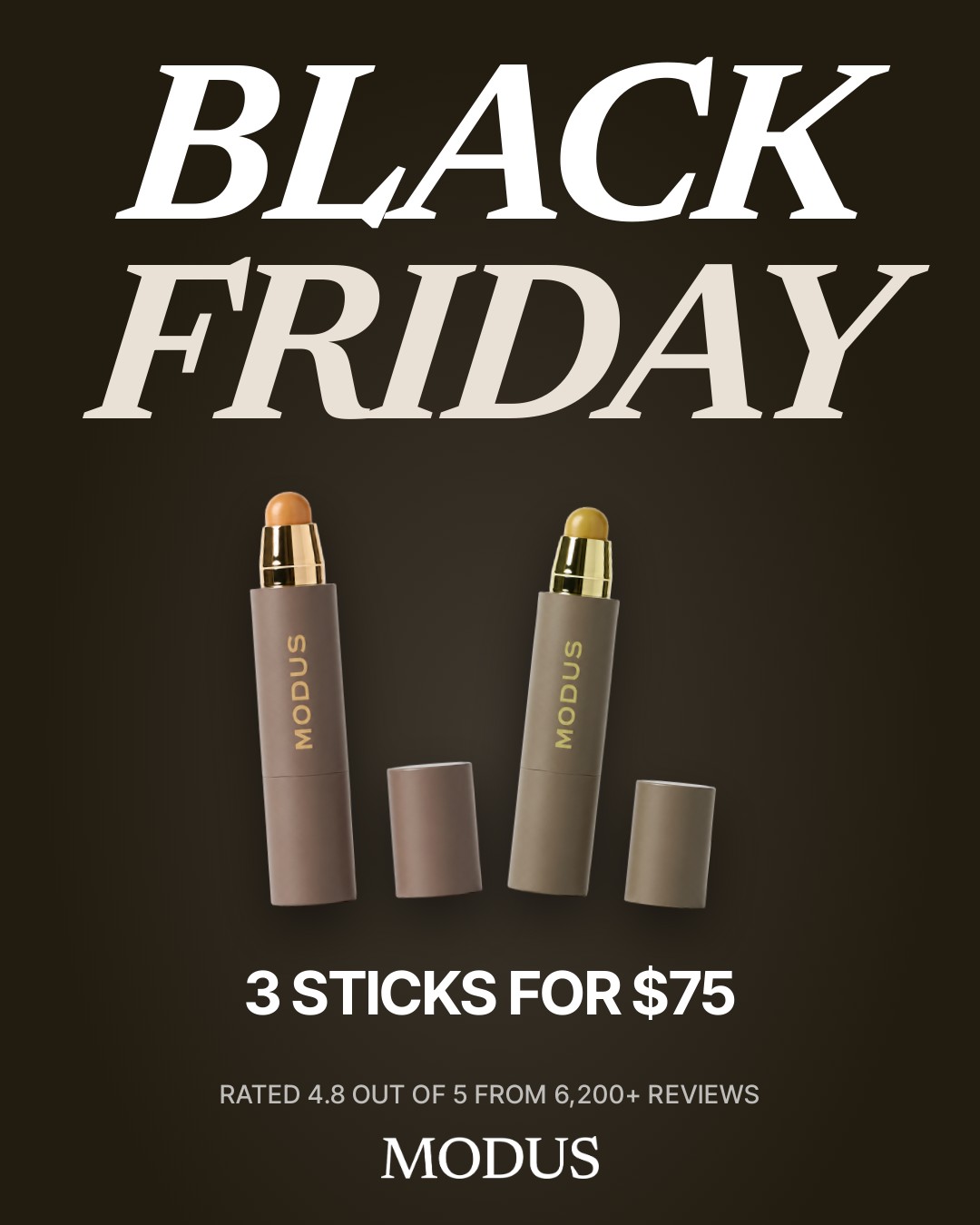
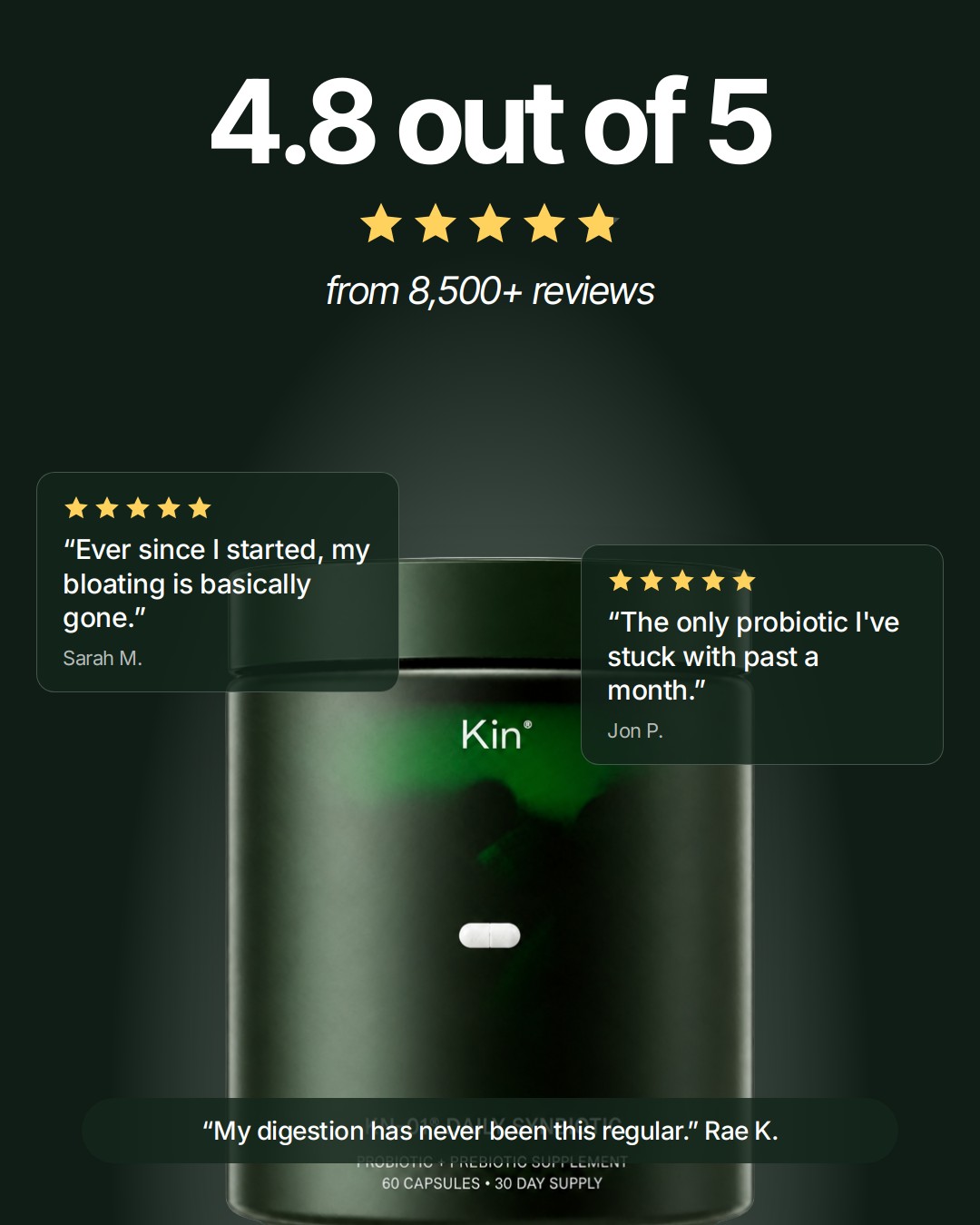
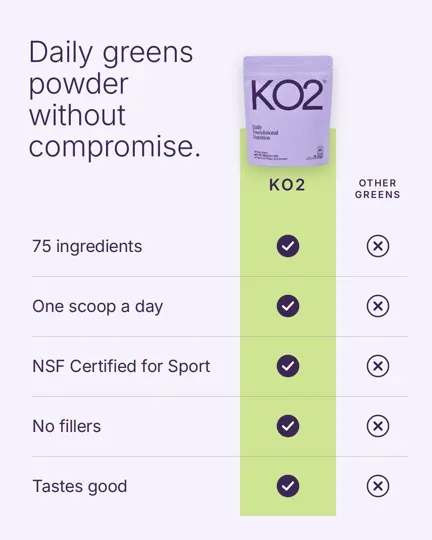
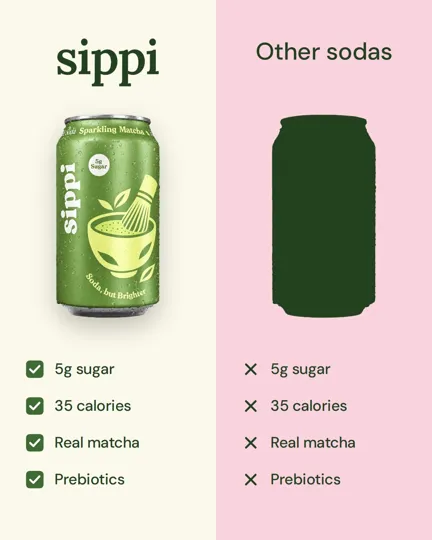
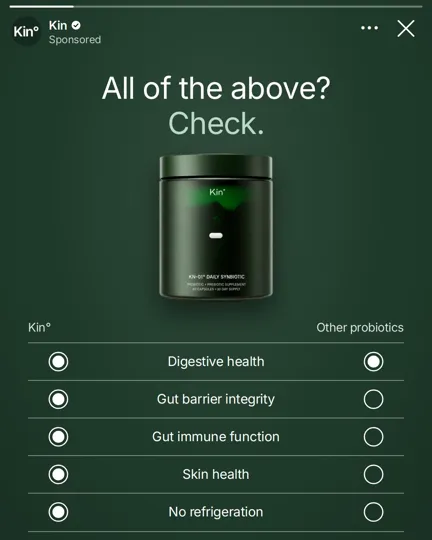
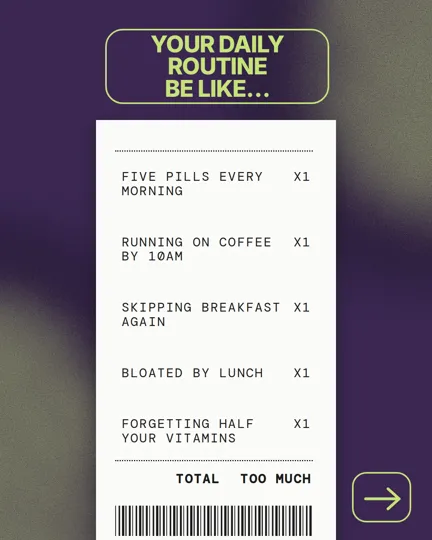
We analyzed 1,625 winning comparison and before and after ads on Facebook and Instagram and rebuilt the formats that keep showing up as 50 templates you can remake for your own brand. Each one is a clean, designed ad: your real product photo cut out, your fonts and colors, and words taken only from your own website.
Everyone compares before they buy. If your ads don't show why yours is the better pick, people decide from your competitors' ads instead.
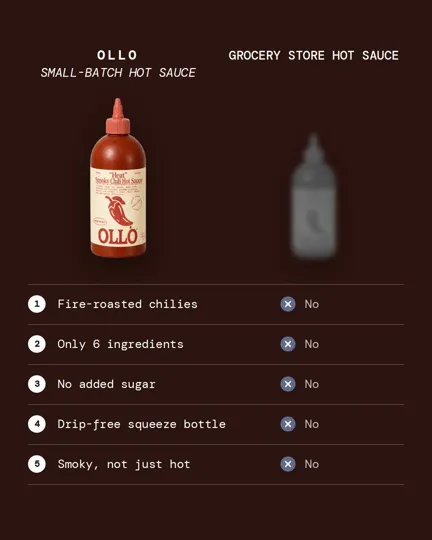
This kit is 50 ways to compare. A table with your product on one side and the usual choice on the other. A before and an after. The annoying problem first, then your product as the fix. Each one helps someone decide without reading a long page.
Press the button at the top of this page and your own AI, like Claude or ChatGPT, opens with this kit typed in. It connects Dovey, reads your brand from your website and makes all 50 ads with a photo of your product. Looking at them and editing them is free.
How it works
- 01Add Dovey to ClaudeSettings → Connectors → Add custom connector, then paste this MCP server.
https://api.makedovey.com/mcp - 02Sign in to DoveyName it Dovey and press Add. Claude opens Dovey's sign-in: use your work email or Google. A free account works.
- 03Upload your photo and paste this promptIn a new chat, press + and switch Dovey on. Attach your product photo, paste this prompt and send.
Use the Dovey template "50 comparison ads" (makedovey.com/ad-templates/comparison-ads) with the product photo I attached. Make the ads in my brand and show them here. - 04Claude makes your adsClaude copies this template onto your brand and makes the 50 ads. If it asks for the photo, open the upload link it gives you and drop the photo there. The ads show in the chat and on your Dovey canvas.
 Add to Claude
Questions
What is Dovey?
Dovey makes ads for your brand from a photo of your product. It reads your website for your colors, fonts, logo and words, then makes the ads on a canvas you can edit. You can use it in Dovey or from Claude, ChatGPT and other AI assistants.
What is a comparison ad?
It is an ad that puts your product next to the other option so people can see the difference at a glance: a side by side table, a before and after, or the problem next to how you fix it. This kit has 50 of them.
Do I have to name a competitor?
No. By default the other side is the usual alternative people already use, not a named brand. If you want a name there, type it on the canvas.
How much does it cost?
Looking at and editing the ads is free. Making them in your brand uses your plan's usage. Free has limited usage, Pro is $29 a month with 12x usage, and Max is $99 a month with 60x.
What goes in the comparison table?
Only facts Dovey finds on your website, like what your product does and what it is made of. If a number isn't on your site, it doesn't go in the ad.
Which comparison should I test first?
Run several at once. A table, a before and after and a problem and solution are different ideas, and Meta learns faster which one works when it can compare them.
Can I edit the ads by hand?
Yes. All 50 ads open on your canvas as layers, so you can change the words, colors, pictures and layout yourself. Editing is free.
Can I publish these to Meta?
Yes. Select the group of ads on your canvas, press Export at the top and upload the ads in Meta Ads Manager.